





Formats that already went viral
Comments, Chat, Viral news, Who’s looking, Grief confessions and more. Each one is a proven layout your agent fills with new words and pictures.
list_formatsget_formatcreate_slideshowAsk your AI agent for a TikTok or Instagram slideshow. SlidesLand gives it proven formats, real photos and a renderer that gets every slide right, so it can write, design, check and schedule the post without leaving the chat.
Doing it by hand means a stack of tools and an evening every week: a writer, a stock photo site, a design app, a background remover, a scheduler and an insights screen. Around $193 a month, and every hour of it comes out of the work you actually care about.
The old stack
Your agent writes the slides and decides what each picture should be. SlidesLand finds the photos, lays every slide out in a format that already works, renders it and shows it back. Then it queues the post when you say when.
Make a viral-news slideshow from today’s weirdest stories. Yellow on the shock words, 4 slides.
 Used SlidesLand


Done. 4 slides in Viral news. The photo on slide 2 came back soft, so I swapped it for a sharp one before showing you. Shock words are in yellow.
Love it. Queue it for 9am tomorrow on the news page.
Queued for Tuesday 9:00 on @dailyscoop.
How did it do?
Your best post this week, about 3× your average. The shares came from slide 2. Want three more in the same shape?
Example chats, made with the real tools. The view counts are illustrative.
You can make slideshows on our website, and they’re good. Made through your agent, they’re far better: a thinking model writes them, looks at every finished slide, and fixes what’s off before you see it. That’s why we built SlidesLand agent-first.
Claude, ChatGPT, Cursor or any app that supports MCP
SlidesLand’s web app and studio
Each of these started as one line in a chat. These are the real slides that came back.
“Who’s-looking slideshow with old paintings, one line per slide.”


“Letters to him, same voice as my last post.”


“Ragebait slideshow: things he said that I’m still mad about.”



“Gentleman outfits for 2026, mix the fits.”
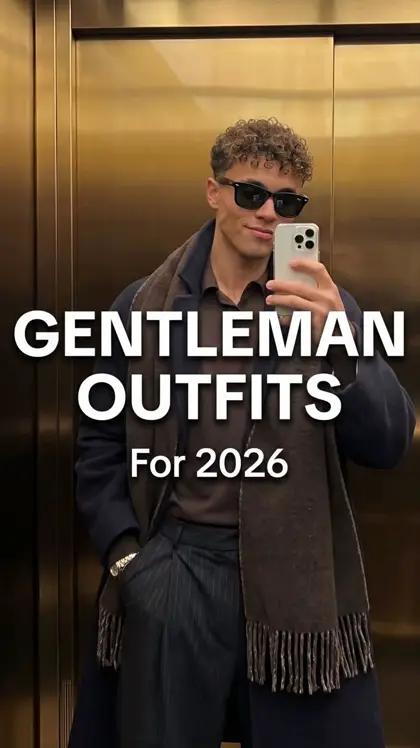


“Today’s weirdest news, yellow on the shock words.”
“Flat-lay outfits for my menswear page.”


Everything your agent needs to make a slideshow that looks posted by a person, not generated.
Comments, Chat, Viral news, Who’s looking, Grief confessions and more. Each one is a proven layout your agent fills with new words and pictures.
list_formatsget_formatcreate_slideshowPaste a TikTok or Instagram link into the chat. Your agent reads the slides, matches the layout and type, and rebuilds it about your page.
fetch_tiktok_slideshowcreate_custom_slideshow replaced
Every slide is rendered and shown to the agent. Blurry, off-topic or text-covered pictures get fixed before you ever see them.
preview_slideshowrender_slideNew photo on slide 3, same girl.
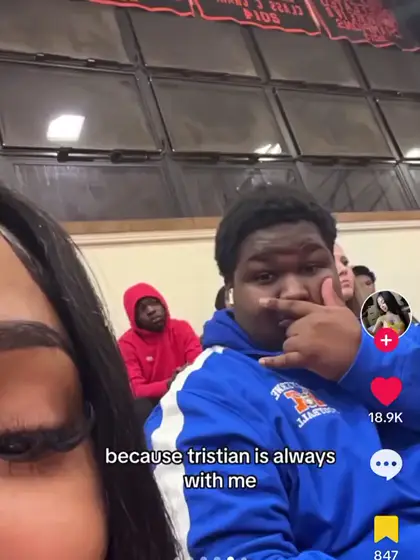
“New photo on slide 3.” “Make the hook punchier.” One slide, one picture or one line changes. Nothing else moves.
replace_pictureupdate_slide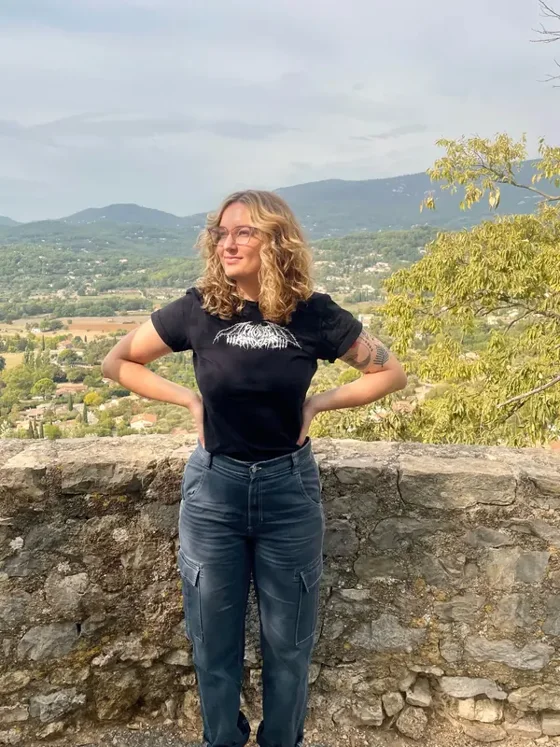
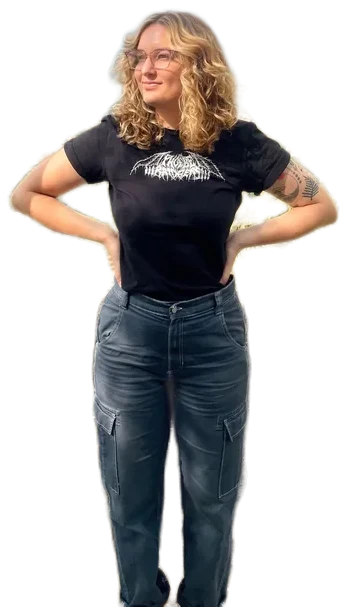
Cut a person or a product out of any photo and place it on the slide’s own colour, in one message.
remove_background the line goes here
The agent finds where people are on each slide and keeps text clear of them, or zooms in on a face on purpose.
find_people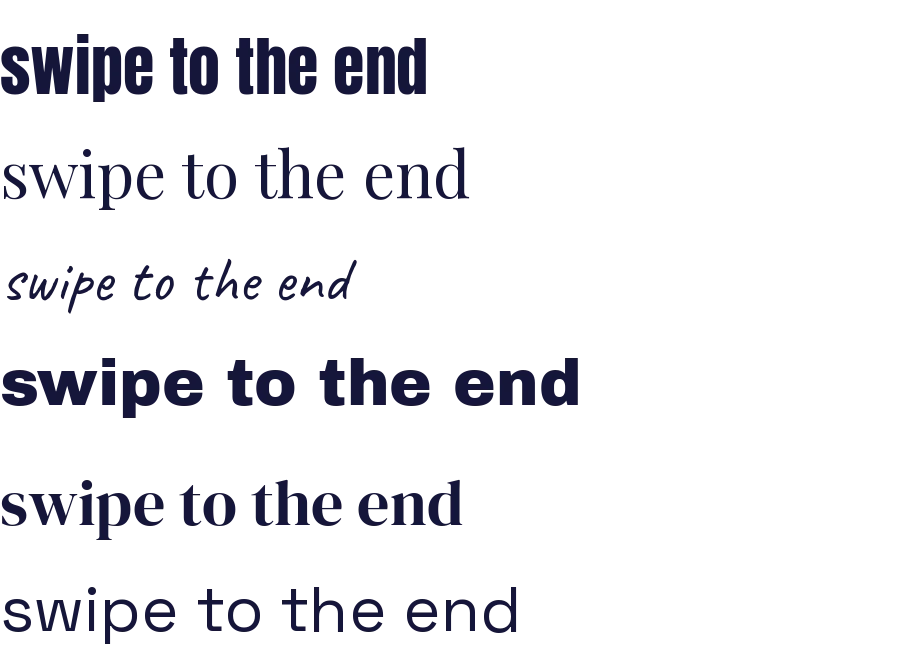
More than 2,000 fonts for captions. Send a picture of lettering and the agent finds the closest match.
search_fontsidentify_fontQueue a slideshow on several connected accounts at once, each at its own time and shape. Then ask how it did.
schedule_postget_post_statsTell your agent how often and when. It checks which accounts you’ve connected, makes each post and queues it, at its own time, in its own shape: 9:16 for TikTok, 4:5 for Instagram and Facebook.
One post a day at 6pm next week. Mix the formats, Tuesday’s news at 9am.
Scheduled the post5 posts queued
Same formats and renderer everywhere. The more of the thinking your agent does, the better the slideshows.
Add SlidesLand to Claude, ChatGPT, Cursor or any app that supports MCP and ask in plain words. Your agent writes, checks and schedules.
https://slides.land/mcpSet it up A SKILL.md for Claude Code and other agents that load skills: the whole loop and our quality rules, ready before the first message.
mkdir -p ~/.claude/skills && curl -sL https://slides.land/skill/slidesland-skill.zip -o /tmp/slidesland.zip && unzip -o /tmp/slidesland.zip -d ~/.claude/skillsPick a format, write a line, edit every slide by hand in the studio. Quick, and a step behind the agent on quality.
Try the web appOne address, one sign-in. No API keys.
Open Settings → Connectors and choose Add custom connector.
Name it SlidesLand and paste the address below.
Click Connect, sign in to SlidesLand and press Allow.
https://slides.land/mcpOther apps: step-by-step setup · What it can access: permissions
Writing. Photos. Design. Cut-outs. Viral formats. Scheduling. Insights.
 SlidesLandOne chat for the whole slideshow, start to stats.
Pick a format, write one line and SlidesLand’s own writer does the rest. Then edit every slide by hand in a Figma-style studio, plan posts on a calendar and track how they do.
Heads up: web-app slideshows use our built-in writer in one pass. For the best results, make them through your agent.
Try the web app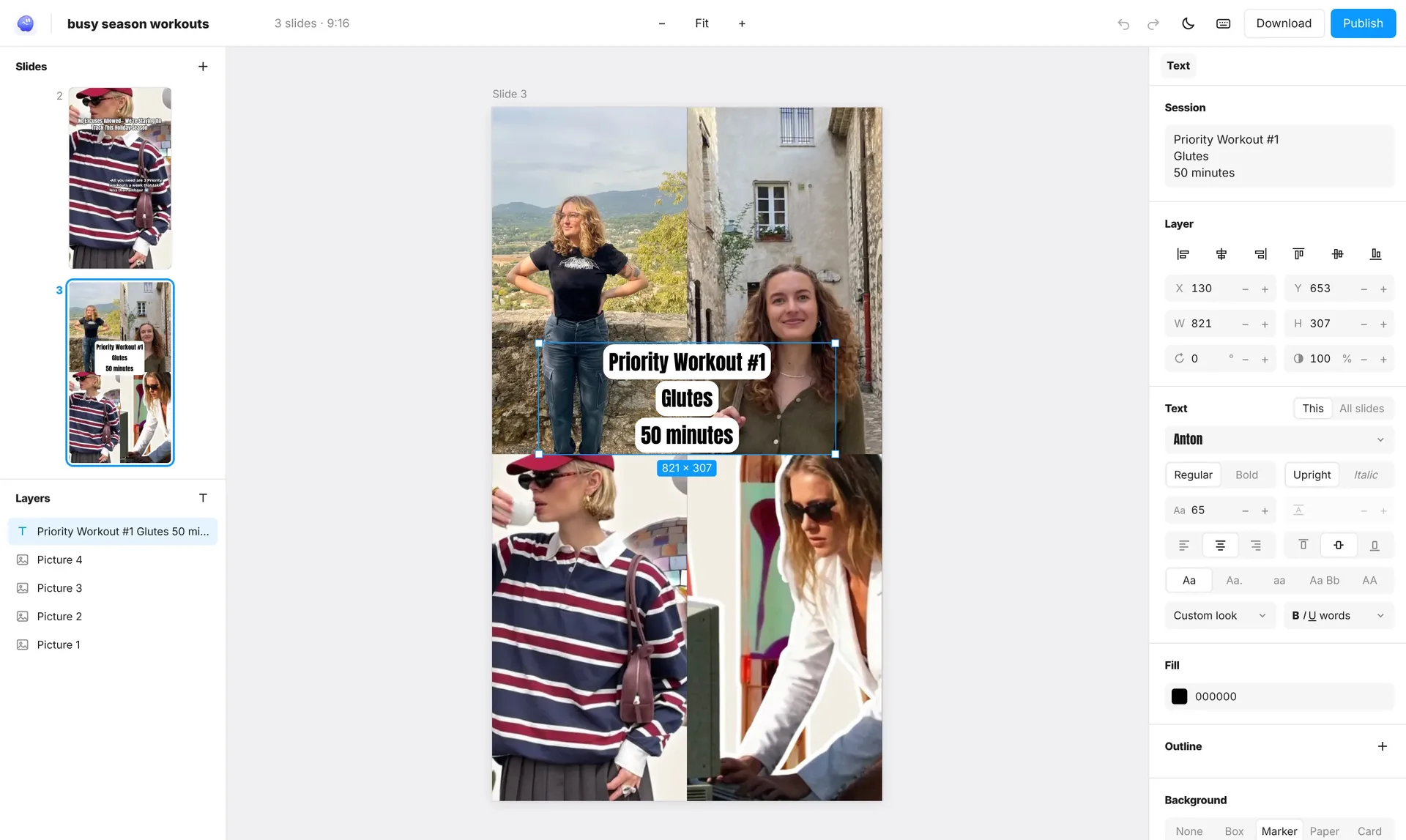
Billed monthly in USD through Polar. Every plan works in your AI agent and on the website. Cancel any time.
For one creator posting most days.
$49/ month
≈ $0.49 per slideshow
Choose GrowthFor several accounts, or a small team.
$95/ month
≈ $0.38 per slideshow
Choose ScaleFor agencies running many brands.
$195/ month
≈ $0.26 per slideshow
Choose EnterpriseEach slideshow counts once toward your month, whether your agent made it or you did. Secure checkout by Polar. See the Refund Policy and Terms.
You scrolled past the pricing, so before you decide, here’s why SlidesLand exists.
Slideshows are everywhere on TikTok, and the ones that work have one thing in common: they look like a person made them. Most AI slideshow tools miss exactly that: stock-looking photos, the same template every time, words across someone’s face.
We kept finding that the best results came from a thinking model that could look at its own work and fix it. So instead of hiding the AI behind a form, we built SlidesLand for the agent you already use: real formats, real photos, a renderer that gets every slide right, and the rules we learned from reviewing finished slideshows one by one.
The website is still here for when you’d rather click. Either way, if something’s off, tell us. A person reads every message.
Something else? Contact us and a person replies, usually within two working days.
A slideshow tool your AI agent can use. Add it to Claude, ChatGPT or any other AI app that supports MCP as a connector, then ask for a TikTok or Instagram slideshow in the chat. Your agent writes it; SlidesLand brings the formats, finds the pictures, lays out and renders the slides, and can queue the post.
Add SlidesLand to your AI agent, ask for your first one, and schedule it before dinner.